Why nuisance alerts are a security problem, not an annoyance.
A nuisance alert is an alert that fires on something nobody needs to act on: a swaying tree, a passing headlight, a cat, rain on the lens. One is harmless. Hundreds a night are dangerous. Guards learn that the alert sound means nothing, start acknowledging in bulk, and eventually mute the feed. The real event arrives in the middle of that noise and gets clicked away with the rest.
Nuisance alerts also cost money directly. Every one takes guard time to open, look at and dismiss. On a remote monitoring contract they can trigger client calls and unnecessary patrol runs. And they erode trust with clients and police when “verified” events turn out to be a plastic bag.
Where nuisance alerts come from.
Most nuisance alerts come from basic motion detection, which fires on changed pixels regardless of what changed them. The usual suspects are consistent across sites.
- Weather. Rain streaks, snow, fog rolling through a lot, wind moving trees, flags and banners. Spider webs and insects on the lens are the classic night-time offenders because the IR illuminator lights them up.
- Light changes. Clouds passing over the sun, shadows sweeping across a yard through the afternoon, lights switching on at dusk, IR cut-filter switching between day and night mode.
- Headlights. Cars on a road outside the fence throw moving light across walls and pavement. Parking garages and parking lots are full of it.
- Animals. Deer on a solar farm, birds on a pole-mounted camera, cats and raccoons around dumpsters.
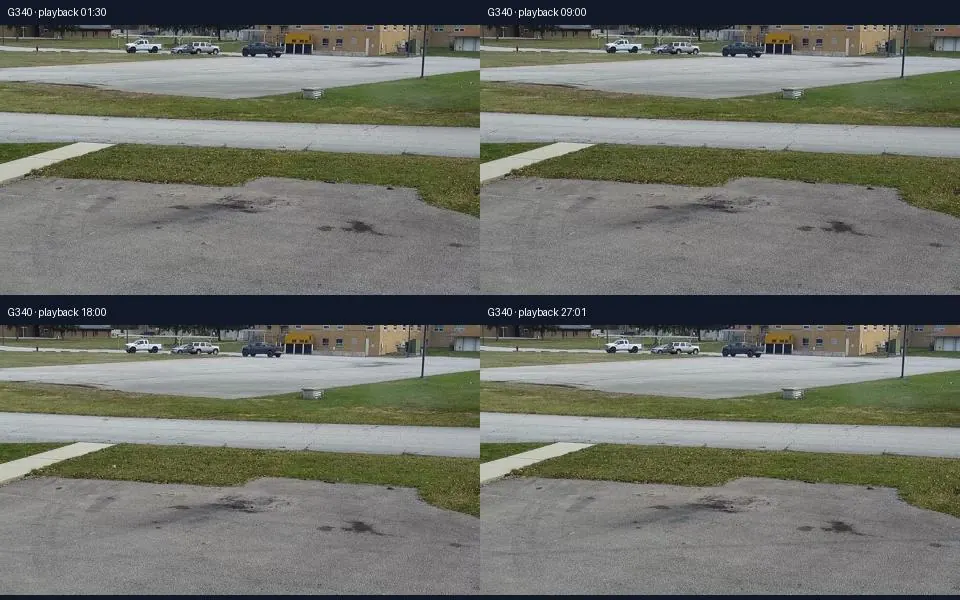
- Repeated benign objects. The same parked car, the same forklift, the same resident standing at a smoking spot. A detector that only asks “is there a vehicle?” will say yes every few seconds all night.
- Camera problems. Compression artifacts, a camera that drifts on its mount, a PTZ tour that makes the whole scene “move,” or a feed that drops and returns.
The fixes, in layers.
No single setting fixes nuisance alerts. The durable answer is layers, each removing a different kind of noise, while keeping every real event visible.
1. Better rules at the camera.
Start with the basics. Mask out roads, trees and flags that sit inside the view but outside the area you care about. Clean domes and remove webs. Check IR illuminators are not bouncing off nearby walls or eaves. Set schedules so a loading dock only alerts outside business hours. These changes are cheap and remove a surprising amount of noise.
2. Detect objects, not pixels.
Switching from motion detection to object detection is the biggest single step. A detector trained on people and vehicles ignores shadows, rain and headlight sweeps because none of those look like a person or a car. Our comparison of AI video analytics vs motion detection covers the trade-offs in depth.
3. Verify with context.
Object detection still fires on a person who is supposed to be there, like a security guard on patrol or a resident taking out trash. A second layer that looks at the whole scene, and says what the person is doing, separates routine presence from activity worth a guard’s time. This is where vision-language models are useful: they describe the scene, suggest whether review is needed, and state what they are unsure of.
4. Suppress duplicates.
The same activity on the same camera should update one alert, not create a new one every few seconds. Duplicate suppression compares new activity with what is already open and folds repeats into the existing card.
5. Use cooldowns after review.
Once a guard has reviewed and closed an event, repeated similar activity on that view can wait a short while before alerting again. Anything more urgent should always bypass the cooldown.
6. Prioritize what is left.
Even after filtering, not every alert is equal. A priority queue lets the guard work the most important card first. See security alert triage and priority levels.
The goal is not zero alerts. The goal is that every alert a guard sees is worth the ten seconds it takes to look.
What not to do.
- Do not just raise sensitivity thresholds. It removes nuisance alerts and real events together, usually the faint, distant or night-time ones that matter most.
- Do not let software silently discard events. If an AI decides something is harmless, the guard should still be able to see what it dismissed. Hidden dismissals are where missed incidents live.
- Do not treat a quiet camera as a safe camera. A camera that is offline, cycled off screen or blacked out is unobserved, and should be shown as such.
Nuisance alarms that reach police can also cost money. Read about false alarm fines and ordinances.
Where Semaphor fits.
Semaphor applies these layers from the monitoring screen your guards already watch, with no camera replacement and no VMS integration. Local person and vehicle detection plus pixel-change checks decide which activity matters, so shadows and rain do not become alerts on their own.
Duplicate alert suppression keeps repeated activity on the same open camera incident instead of flooding the inbox. When a guard closes an alert after review, repeated review-level activity on that view gets a one-minute cooldown, and new urgent activity bypasses it. That is how the same parked car stops alerting all night without hiding the person who walks up to it.
On top, an AI scene report explains each alert with the original frames beside it, and the inbox sorts cards by priority. A reassuring AI answer never closes an alert on its own. The guard decides.
We measure nuisance alerts against your baseline during a pilot on one station. Or book a live demo and bring your noisiest camera.
Nuisance alert questions.
What is the difference between a nuisance alarm and a false alarm?
A false alarm usually means the system reported an event that did not happen. A nuisance alarm is triggered by something real but irrelevant, like an animal, weather or a known vehicle. Both waste guard attention.
Why do my cameras alert at night so much?
Night brings IR-lit insects and webs, headlight sweeps, noise in low light and day/night mode switching. Motion detection reacts to all of it. Object detection and verification filter most of it out.
How do I stop alerts from the same parked car?
Use duplicate suppression, so repeated detections of the same activity update one alert, and a cooldown after a guard reviews it, with urgent changes always allowed through.
Will reducing nuisance alerts make us miss real events?
Not if the fixes are layered correctly. Filter by what an object is and what it is doing, rather than by raising thresholds, and keep the guard in control of what gets closed.