Closed hours turn judgment into a rule.
During business hours a guard has to decide whether each person belongs. After close, the question gets sharper. A construction site at 1 a.m., a storage yard on Sunday, a dealership lot after the showroom goes dark, a school campus in August: on those sites the post order can say plainly that nobody should be there except named staff, contractors and patrols. That turns after-hours trespassing into one of the most monitorable events in security — if the cameras cover the right ground and someone is looking when it happens.
Write the closed-hours rules first.
Before touching a camera, agree with the client on the facts every overnight guard needs:
- Closed hours by day of week, including holidays, early closes and seasonal changes.
- Who is authorized after close: cleaners, security patrols, maintenance, early-shift staff, deliveries. What they drive and where they park.
- Which areas matter most: perimeter, gates, building doors, high-value storage, roof access.
- What the guard does at each level, with names and numbers. See post orders for camera monitoring.
Without that list, every person on camera becomes a phone call to ask whether they belong, and the guard learns to stop asking.
Perimeter cameras: where trespassing starts.
Trespassers are easiest to deal with before they reach the building. The views that give the earliest warning:
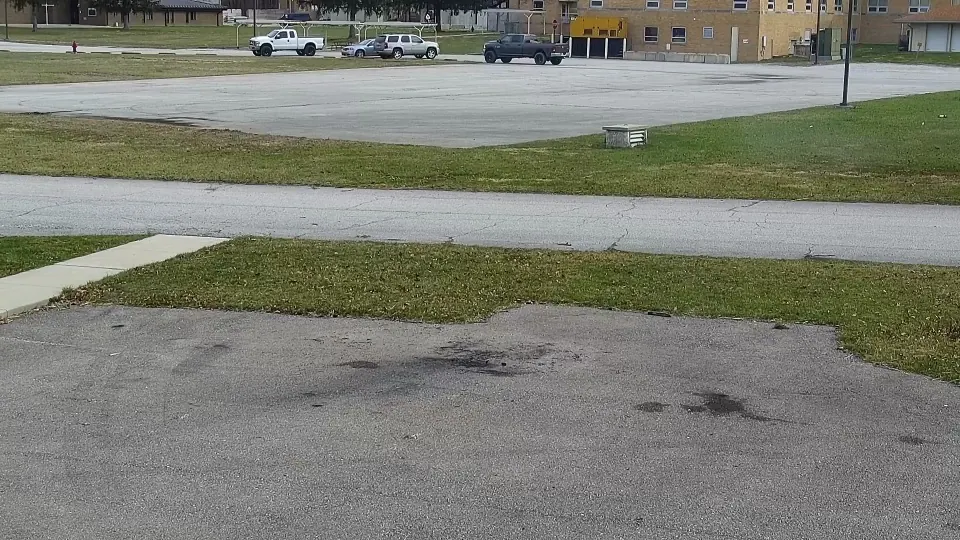
- Fence lines. Long, narrow views along a fence show climbing and cutting. Watch the corners and the areas behind trees, containers and dumpsters.
- Gates and vehicle entrances. A vehicle entering after close, a gate left open, a person walking around a closed gate.
- Approaches. Paths from neighboring lots, rail lines, drainage channels and wooded edges.
- Building exterior. Doors, windows, loading docks and roof ladders.
Many perimeter views are wide and dark after close, so a person is small and grainy. Read our guide to night-time camera monitoring for what IR, glare and headlights do to those images.
Escalation that actually works.
A clean escalation ladder keeps guards moving fast and keeps clients from being woken up for a fox:
- Confirm. Review the original frames and, if possible, the live view. Is it a person? Are they authorized? Where are they heading?
- Track. Follow them across cameras. Note direction, count, vehicle and anything carried.
- Deter. If the site has audio talk-down, lights or a mobile patrol nearby, use it per the post order.
- Dispatch. Call police with a clear, verified description. A report of a person seen on camera on a closed site is a much stronger call than an unverified alarm. See alarm verification for police response.
- Notify. Call the client contact list in order and log each attempt.
- Close with a report. Times, cameras, actions and evidence, attached to the event.
Evidence the police and client will ask for.
A trespassing report is only as good as the footage behind it. Capture while it is happening, not the next morning:
- The first frame where the person appears and the point where they entered.
- The clearest view of the person, their vehicle and plate if visible.
- What they touched, took or damaged.
- Camera names and timestamps for each view, with a note if the camera clock is off.
- Original, unedited frames kept separately from any marked-up copies.
For how to preserve that footage properly, see incident report video evidence.
What overnight guards watch
- Fence lines, corners and gates
- Vehicle entrances after close
- Building doors, docks and roof access
- Approaches from neighboring land
- Cycling tours across many sites
What Semaphor surfaces
- A person on a view where nobody should be
- A vehicle entering or moving on a closed site
- One open incident that updates as they move
- Original frames with timestamps and hashes
- Views cycled off-screen, marked unobserved
Where Semaphor fits.
Most after-hours trespassing is missed for a simple reason: it happens on the one tile nobody was looking at. Semaphor watches the same monitoring screen your guards do — no new cameras, no new VMS; see what Semaphor is — and runs person and vehicle detection on every visible pane. A preliminary alert reaches the guard immediately, an AI scene report follows, and the original evidence and audit trail stay attached for the police call and the client report.
The guard confirms, escalates and dispatches. Semaphor makes sure the person at the fence is on the guard’s screen in time. Start a pilot on your overnight station, or book a live demo on your own camera screens.
After-hours trespassing FAQ
How do security cameras detect trespassers after hours?
By detecting people and vehicles on views where no one should be during closed hours, then alerting a guard to review. Person detection avoids most of the noise from wind, animals and headlights that plain motion alarms produce.
What should a guard do when they see a trespasser on camera?
Confirm it is a person and that they are not authorized, track them across cameras, use deterrence if available, call police with a verified description, notify the client and log everything with evidence.
Do police respond faster to trespassers seen on camera?
Many agencies treat a crime in progress confirmed by a person watching live video as a higher priority than an unverified alarm. Local policy varies, so agree the dispatch procedure with the client and the local agency.
Can Semaphor tell employees from trespassers?
No, and it does not try: there is no facial recognition. It surfaces the person and the context; the guard checks the authorized list and decides.